


Table of Contents
Discover the complete process for making a mobile app, choosing the right technology, defining an MVP, estimating development costs, testing the product, and preparing for launch.

01How to Make an App That Is Profitable in 2026?
Wondering how to make an app for your business, launch a new service, or turn an idea into a digital product? Creating a mobile app does not start with coding. You first need to validate the user need, define the key features, choose the right technology, and plan your budget.
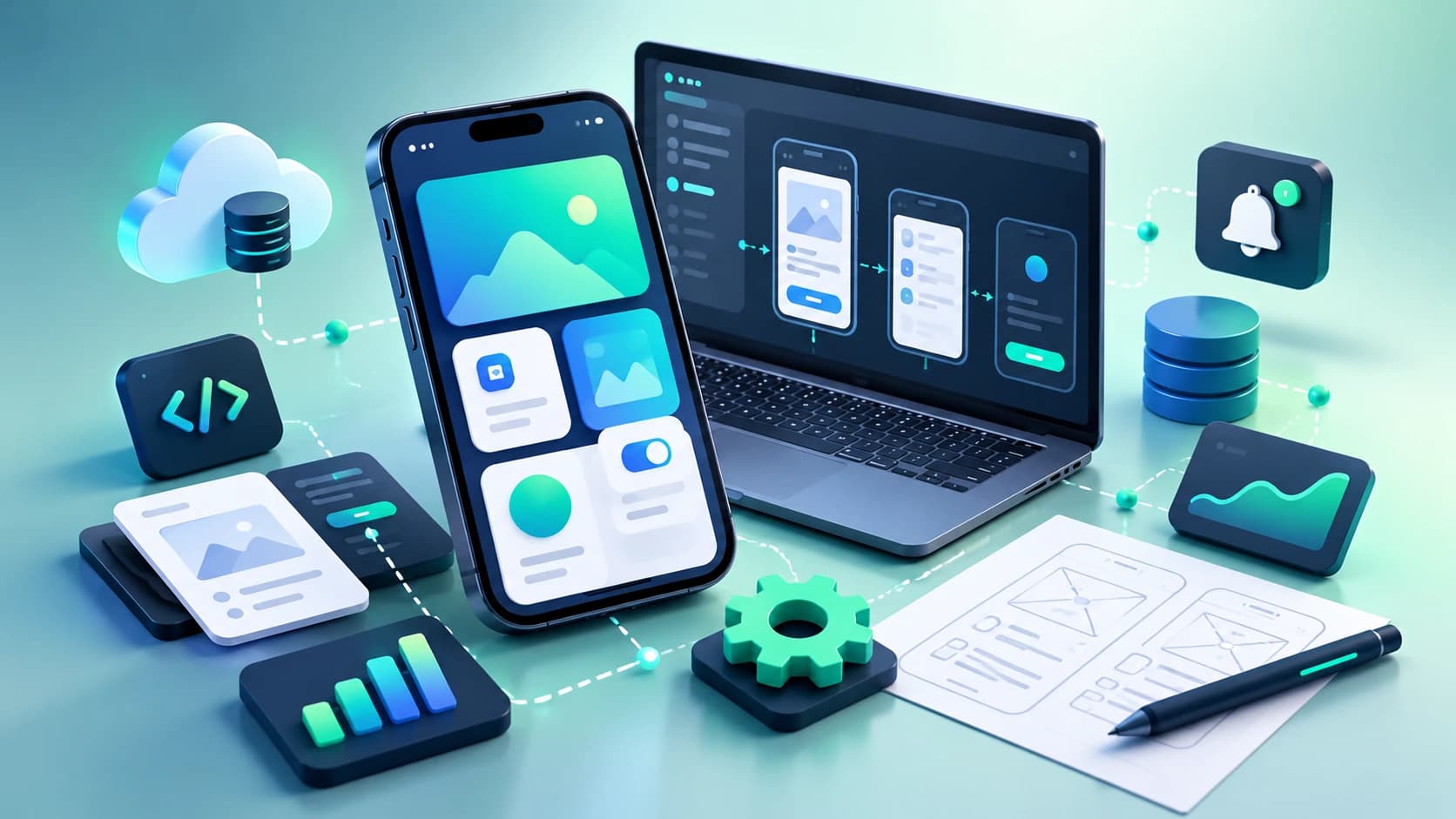
The goal is to build an app that people actually use, is easy to maintain, and can evolve as your business grows.
02Why Make an App for Your Business?
A mobile app can serve many different purposes: selling products, managing bookings, improving customer loyalty, supporting field teams, or launching a new digital service.
The first question should therefore not be “Which technology should I use?” but rather: What problem should the app solve?
A mobile app can help you:
- Provide customers with a personalized account
- Simplify orders or bookings
- Send push notifications
- Manage loyalty programs
- Connect users with service providers
- Help field teams manage their work
- Centralize business data
- Integrate payments or location-based features
Mobile App or Responsive Website?
A responsive website may be enough if your main goal is to present your business or sell online without mobile-specific features.
A mobile app becomes more relevant when the user experience depends on regular smartphone use, such as push notifications, camera access, GPS, persistent authentication, offline functionality, or quick access to a personal account.
Before developing an app, make sure that your users genuinely need one. This step can help you avoid investing in a product that does not solve a real problem.
03How to Make an App: The 7 Key Steps
A structured approach can turn these elements into a practical roadmap.
Step 1 — Define the Need and Your Target Users
Start by identifying:
- The problem users are facing
- The people who will use the app
- Your value proposition
- The main actions users will perform
- The metrics you will use to measure the app's usefulness
Prepare an effective project brief
An effective project brief should describe the expected features without immediately going into every technical detail.
Step 2 — Define the MVP
An MVP (Minimum Viable Product) is the first version of an app that contains enough functionality to be used and tested.
The goal is not to remove important features, but to distinguish between what is essential for launch and what can be developed later.
For example, a booking app could initially include:
- Account creation
- Service search
- Booking
- Booking confirmation
- Personal user area
Add secondary features later
Secondary features can then be added in future versions based on user feedback.
Step 3 — Design the UX and UI
Before development begins, user journeys are transformed into wireframes and then into detailed interface designs.
The design process should cover:
- Information architecture
- Main user journeys
- Key screens
- Forms
- Error messages
- Accessibility
- Consistency with the brand identity
Reduce friction for users
A good interface is not simply about making an app look attractive. It should reduce friction and help users complete their goals quickly.
Step 4 — Choose the Right Technology
The technology you choose depends on the app's features, expected performance, budget, and future development needs.
- Native iOS / Android: a separate app developed specifically for each platform
- Cross-platform: a shared codebase used for multiple platforms
- PWA / Web App: a mobile experience accessible through a browser
Flutter, React Native or Native Development?
Technologies such as Flutter and React Native make it possible to share a significant part of the development between iOS and Android.
Native development remains relevant when the project relies heavily on platform-specific features or hardware capabilities.
There is therefore no universally “best” technology. The right choice depends on the project's requirements.
Step 5 — Develop the Front-End and Back-End
Mobile app development is not limited to the screens users see.
Depending on the project, you may also need:
- APIs
- A database
- Authentication
- User management
- An admin dashboard
- Notifications
- Payment systems
- Third-party integrations
- Hosting infrastructure
- Security and backups
Do not underestimate the back-end
The back-end is often what transforms a simple mobile interface into a complete business solution.
For a business app, it is therefore important to estimate the mobile development, back-end, integrations, and administration separately.
Step 6 — Test the App Before Launch
An app should be tested across different devices and scenarios before being released.
Testing can cover:
- Navigation
- Forms
- Authentication
- Payments
- Notifications
- Performance
- Different screen sizes
- Error handling
- Security
- Offline functionality when required
Test the MVP with real users
It is also useful to test the MVP with real users. Their feedback can reveal usability problems that may not be obvious during development.
Step 7 — Publish and Improve the App
Launching the app is not the end of the project.
You need to prepare the app for publication on Google Play and the App Store, check the requirements of each store, monitor the review process, and plan future updates.
After launch, usage data can help you identify which features need improvement and which new features should be prioritized.
04How Much Does It Cost to Make an App?
There is no universal price for making a mobile app.
Costs vary significantly depending on the number of features, platforms, design requirements, back-end, integrations, security requirements, and maintenance needs.
It is more useful to classify projects by complexity:
- MVP: simple booking or catalog app with a few screens, accounts, and core features
- Standard: business or customer service app with API, admin dashboard, notifications, and multiple user journeys
- Complex: marketplace or business platform with multiple user roles, payments, real-time features, and integrations
Costs You Should Not Forget
When preparing your app budget, also consider:
- UX/UI design and prototyping
- Hosting and infrastructure
- App store developer accounts
- Bug fixing and maintenance
- Technical updates
- New features and future versions
- Third-party tools and services
- User support
- App marketing and user acquisition
Think beyond the initial coding cost
The real budget should therefore be viewed as a development and operating cost, rather than simply the initial cost of coding.
05How to Choose Between Native and Cross-Platform Development?
The right approach mainly depends on the product and its technical requirements.
Native development involves creating separate iOS and Android applications using the technologies specific to each platform.
Cross-platform development allows a significant part of the codebase to be shared between platforms.
- iOS + Android — Native: two separate developments — Cross-platform: shared codebase possible
- Access to native features — Native: very extensive — Cross-platform: very good depending on requirements
- Maintenance — Native: two environments — Cross-platform: possible code sharing
- Standard business app — Native: possible — Cross-platform: often suitable
- Highly specific hardware needs — Native: well suited — Cross-platform: requires case-by-case evaluation
06Common Mistakes to Avoid When Making an App
Developing Before Validating the Need
An idea may seem promising without there being enough demand for it. Prototypes, user interviews, and an MVP can help reduce this risk.
Trying to Include Every Feature in the First Version
An overly ambitious first version increases the budget, development time, and testing complexity.
It is generally more efficient to define a focused initial scope and add features based on user feedback.
Underestimating the Back-End
An app with accounts, payments, synchronization, or multiple user profiles requires an appropriate server architecture.
The project estimate should therefore cover the complete system rather than only the mobile screens.
Neglecting Maintenance
Operating systems evolve, dependencies need to be updated, and users expect new features.
A maintenance budget should therefore be planned from the beginning.
Overlooking Security
Authentication, personal data, permissions, payments, and API communications should be addressed from the design stage.
Security should not be treated as something to add only after development is complete.
07Mobile App Project Checklist
Before requesting a development quote, make sure you can clearly answer these questions:
- What problem does the app solve?
- Who are the target users?
- What are the 3 to 5 priority features?
- Should the app work on iOS, Android, or both?
- Is there an existing website, API, or business system that needs to be connected?
- Do you need an admin dashboard?
- Will there be different types of users?
- Will payments or sensitive data be processed?
- What budget is available for the MVP?
- Who will handle maintenance after launch?
08Why Work With a Specialized App Development Agency?
Making a mobile app requires several areas of expertise, including product strategy, UX/UI design, development, architecture, testing, publishing, and maintenance.
For businesses that do not have all these skills in-house, working with a specialized agency can help centralize the project and reduce the gap between business requirements and technical implementation.
RKTEC Solution supports businesses with mobile app development projects, from project planning and technical scoping to development, launch, and future improvements.
Discover RKTEC Solution's mobile app development service to discuss your requirements and identify an approach suited to your project.
What Should You Prepare Before Requesting a Quote?
A brief containing the app's objective, target users, desired platforms, main features, potential integrations, and budget constraints is a good starting point.
If some information is still unclear, a development partner can also help during the discovery and planning phase to define the project's functional and technical scope.
09FAQ — Frequently Asked Questions
How long does it take to make an app?
The timeline depends on the number of features, platforms, back-end requirements, and integrations. A relatively simple MVP can take a few weeks, while a more complete business application may require several months.
How much does it cost to make an app?
The cost varies significantly depending on the project's complexity. A simple MVP can range from a few thousand to tens of thousands of euros, while a complex business application or platform can cost considerably more.
Do I need to make an app for both iOS and Android?
Not necessarily. The choice depends on your target audience and business objectives. You can start with one platform, use a cross-platform technology, or develop separate iOS and Android applications.